Give the project a readable narrative
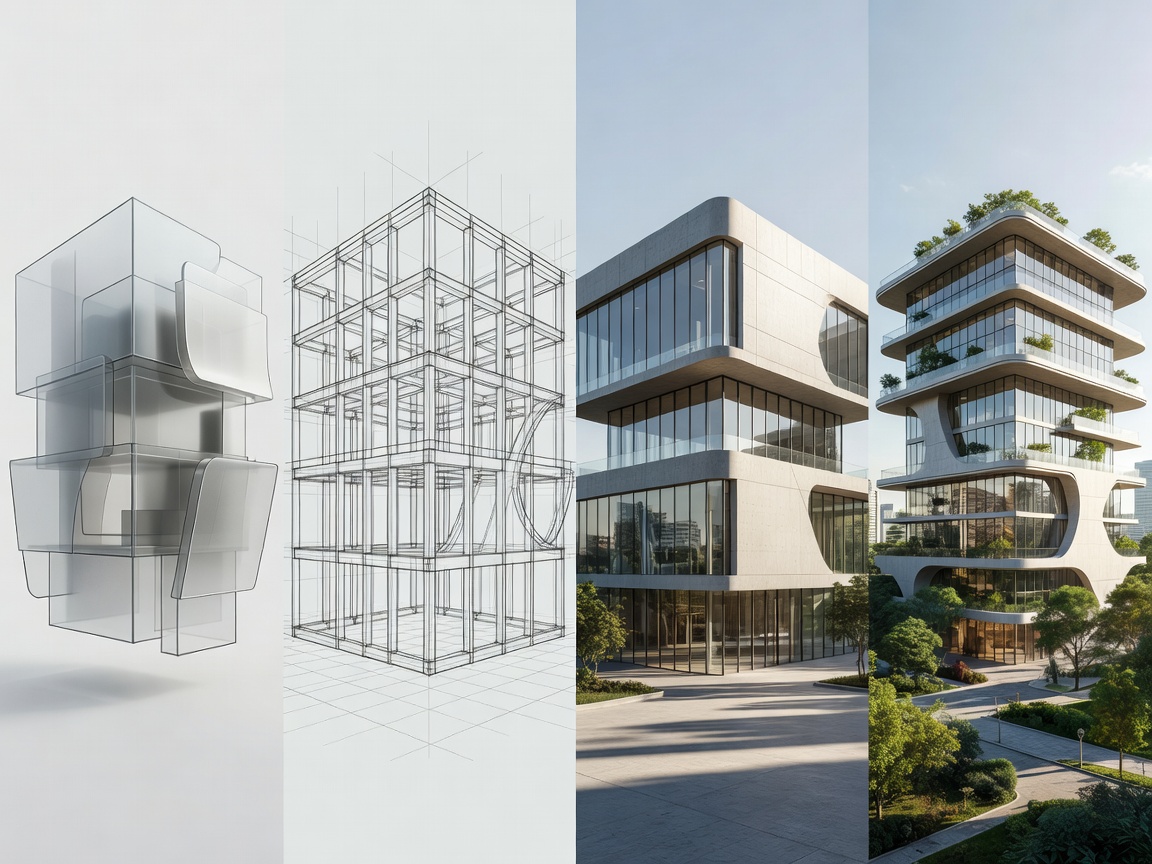
A presentation is not simply a collection of attractive views. It is a sequence that helps an audience understand the brief, the design question, the explored alternatives, and the reasons for a chosen direction. AI-assisted imagery may help a team develop visual references or explore atmosphere, but the narrative should come from the project’s actual design thinking. Start by identifying what the audience needs to know and what decision the material is intended to support.
Use a simple progression: context and brief, spatial idea, plan or section evidence, material and atmosphere, then open questions or next steps. The sequence should reveal the logic of the proposal rather than imply certainty that the project has not reached. Clearly separate established information from hypotheses, options, and illustrative images.
Build hierarchy on the page
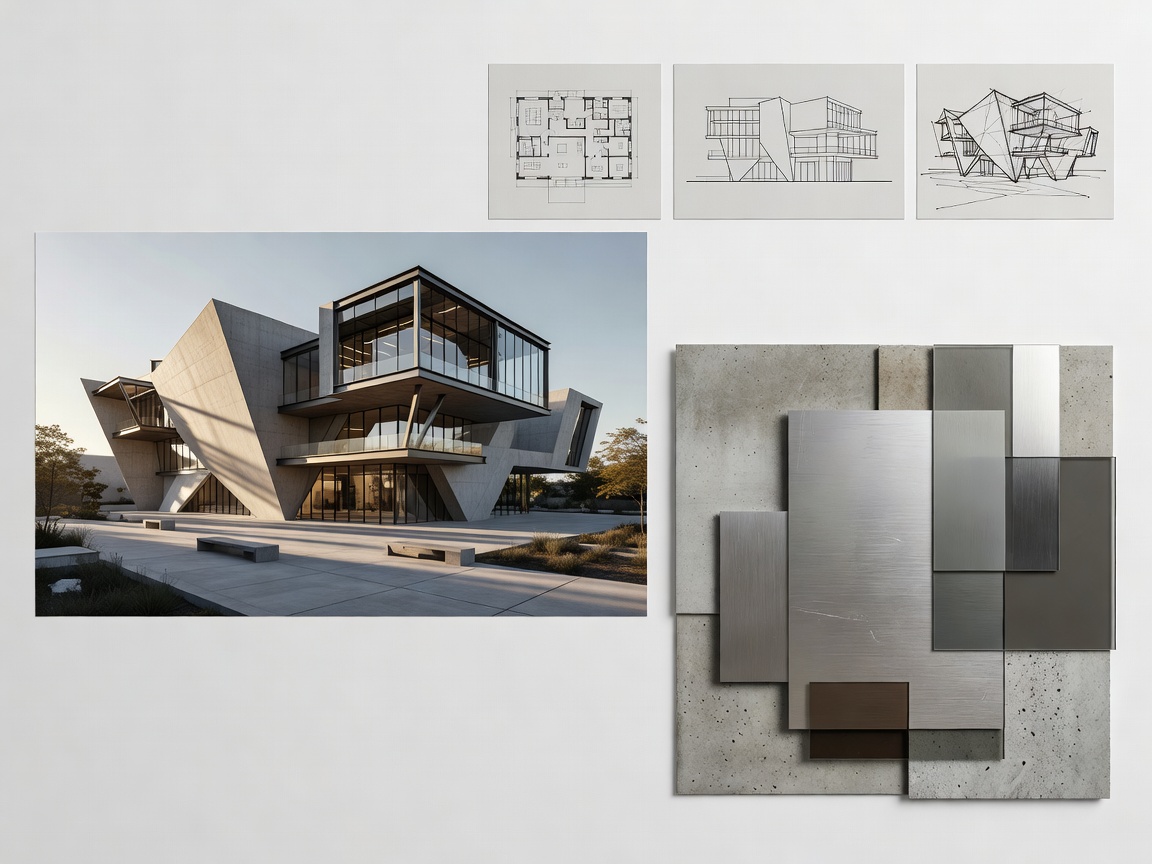
Readers need to know where to begin. Establish a primary image or drawing, a concise title, and short supporting notes. Use consistent alignment and spacing so a board feels considered rather than crowded. Give plans and sections enough scale to be legible; a thumbnail drawing beside a large atmospheric image may communicate the wrong priorities if the spatial arrangement is the important decision.
AI can help generate visual material, but it may introduce unsupported labels, distorted details, or visual inconsistencies. Review every word and diagram yourself. Do not allow generated annotations to masquerade as a drawing legend, measured dimension, consultant note, or approval. Where an image has been altered or is conceptual, say so in a nearby caption or within the written narrative—not overlaid on the image.
Integrate plans, sections, and diagrams
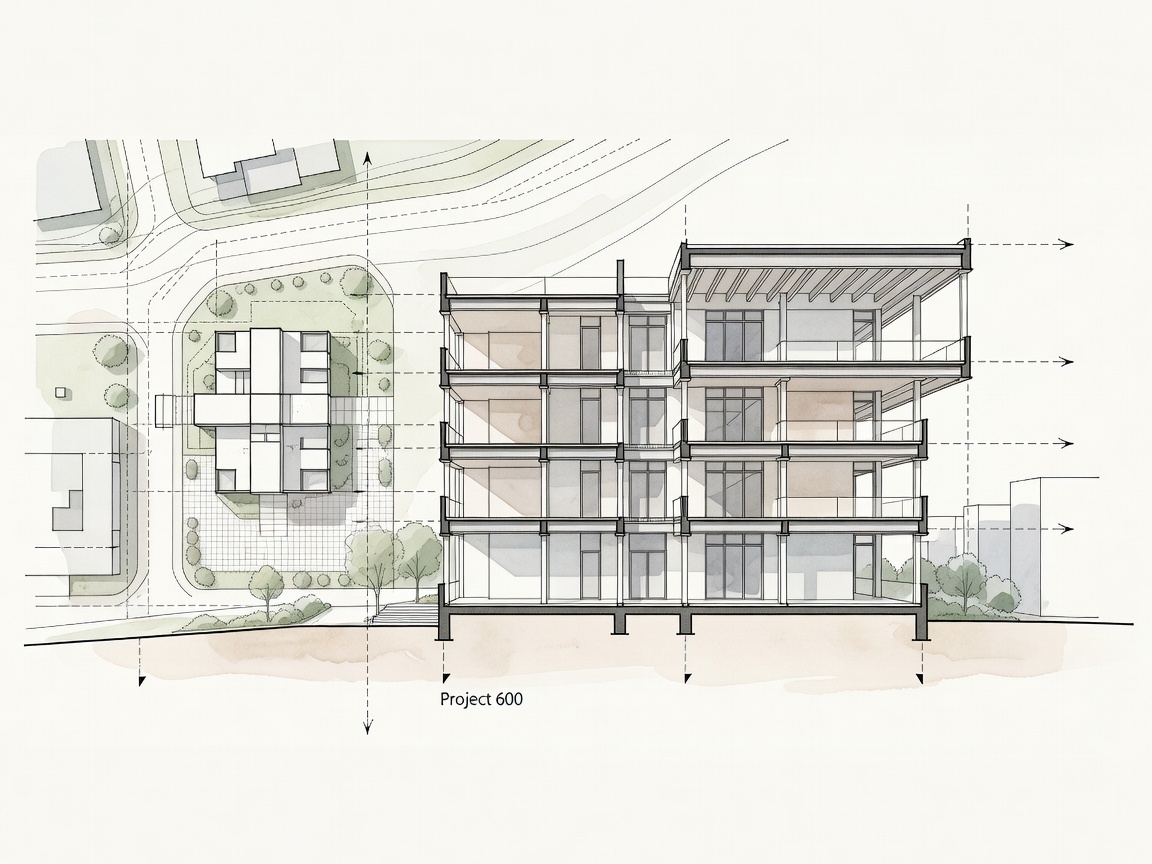
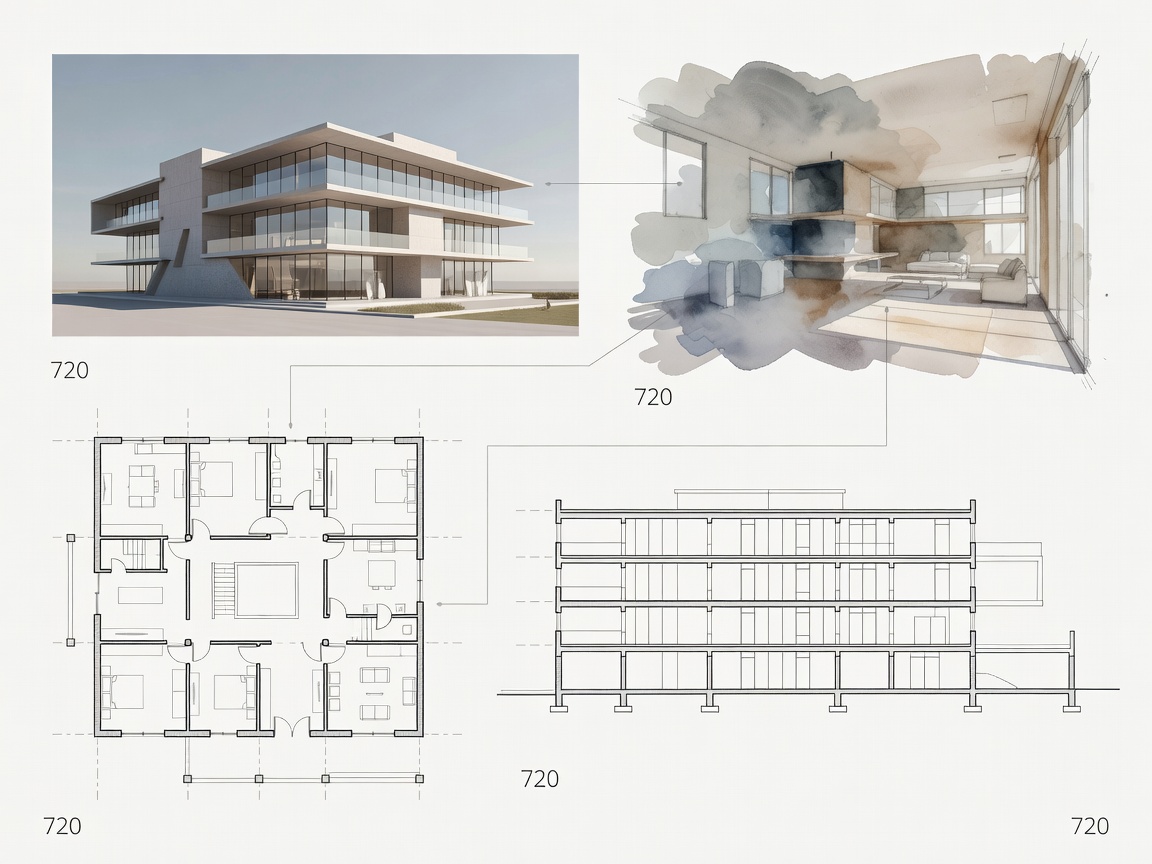
Plans, sections, and diagrams can anchor a visual story to spatial relationships. Use diagrams to make circulation, zoning, or a concept sequence easier to discuss, and label them as analytical or illustrative where appropriate. Keep their visual language consistent: a shared line weight, restrained color palette, and repeated symbols help audiences compare without needing to relearn the graphic system.
Check that a render and its accompanying plan describe the same design. Generated images can invent rooms, move openings, change floor levels, or imply a different building form. A mismatch can mislead even if unintentional. Compare against the project’s current drawing or model and revise the image, revise the drawing, or explain the difference. Avoid pairing an unverified visual with language that suggests an approved or built project.
Use image selection to support—not replace—explanation
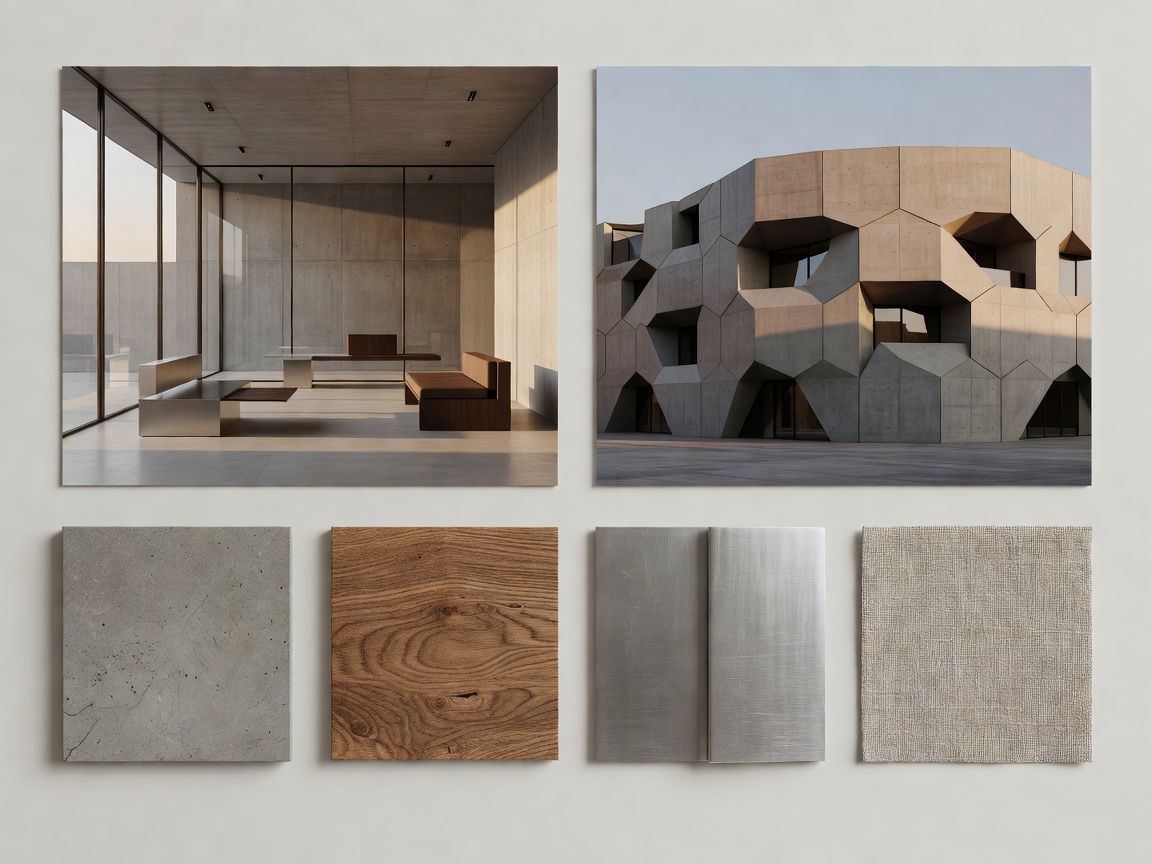
A mood board can establish atmosphere, material direction, and references, but it does not establish specification. Choose images that contribute a distinct point rather than repeating the same mood. Label conceptual visualizations as such, identify any relevant source material, and make clear when imagery is illustrative rather than a representation of a resolved proposal. Do not attribute generated concepts to a real firm, project, architect, or location without verified permission and facts.
Client communication benefits from measured language. Describe what the image is intended to explore, what is based on current project information, and what remains to be resolved. This honesty can strengthen discussion by inviting targeted feedback rather than allowing a polished visual to imply an unrealistic level of certainty.
Revision workflows and version clarity
Presentation development is iterative. Keep a current set of source drawings, a record of changes, and a clear naming or date convention for exported material. When AI-assisted refinement changes geometry, materials, people, landscape, or context, compare the output with the source and note significant departures. Review images for artifacts such as inconsistent railings, impossible stairs, duplicated furniture, or unstable façade details.
Check the terms, privacy, and intellectual-property conditions of any service before sharing confidential project inputs. Confirm image rights and permissions before publication. Do not fabricate project progress, approvals, research, or performance evidence to make a story more compelling. If the source of an image matters to the audience, describe it in an accurate caption.
- State the audience, purpose, and decision the presentation supports.
- Use a clear narrative from brief to design response.
- Keep plans, sections, diagrams, and visuals readable and consistent.
- Label conceptual images and distinguish them from approved or built work.
- Check captions, dimensions, claims, permissions, and version status.
AI-generated visuals should never misrepresent an approved design, completed project, technical document, or built work. The design team is responsible for the accuracy and integrity of what it presents.
Related guides
Refine visualization responsibly · Develop a material story · Explore concept directions